When it's done right, the listener doesn't hear processing. They hear someone who sounds like they know what they're talking about.
I've spent twenty-three years making broadcast media sound the way it should: radio, voice, spoken word, podcasts, radio plays, commercials. The stuff where the only instrument is a person talking. Those years included a stretch at Waves Audio, working with some of the best audio engineers around. I spent a lot of time in a lot of control rooms, co-owned a podcast production house, and for fifteen of those years taught hundreds of students how to sound good on-air. Content came into my studio recorded on decent mics in decent rooms, and left sounding like actual shows.
I kept meeting talented podcasters with good microphones, okay rooms, good content, and annoyingly-dull sound. Pristine but boring. They'd bought that SM7B everyone told them to, maybe even a good preamp - and were still disappointed that it didn't sound like radio does. and, well, it really doesn't - on its own. The sound they wanted was the chain, and the chain takes years to learn.
TRANSMIT is has a bit of that chain in it: the processing I'd put on a client's voice in my studio, with my settings, and my ear.
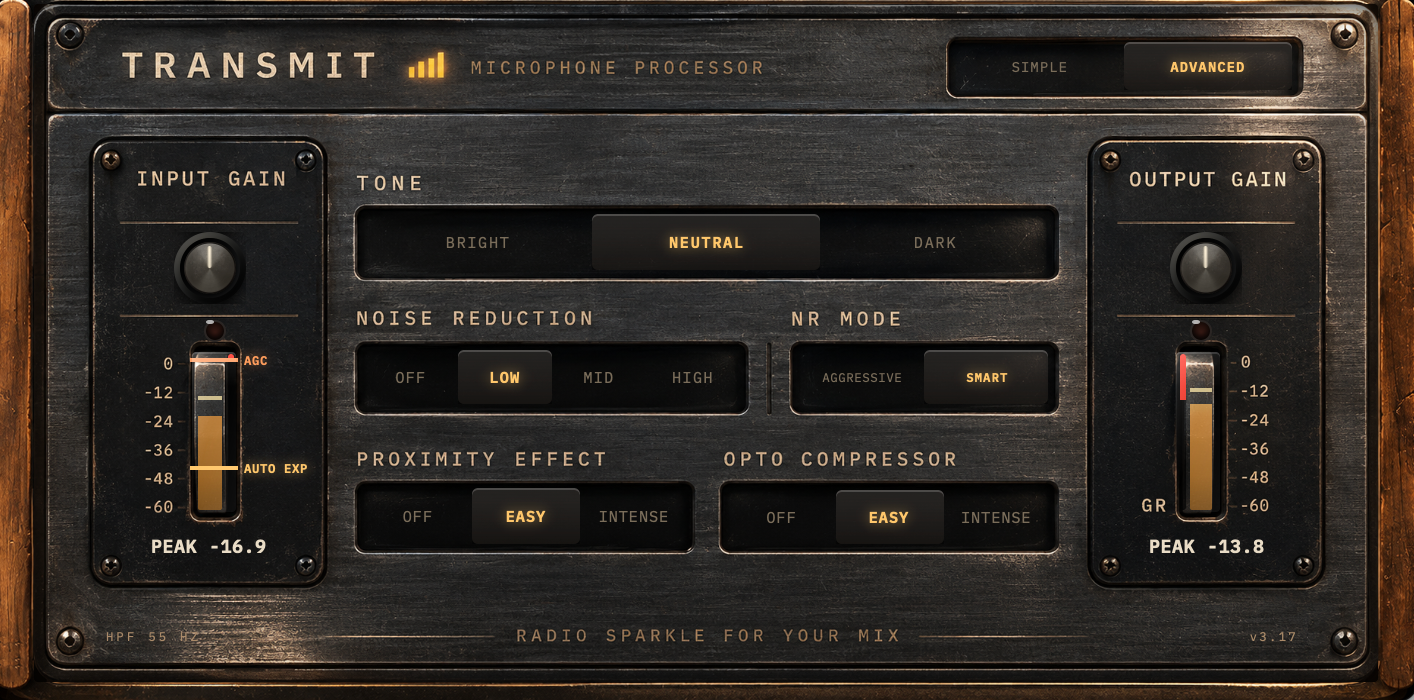
TRANSMIT comes as a pack of two, and you'll want both. TRANSMIT goes on the voice track. TRANSMIT Master goes on the master track, and has no controls at all. It takes its cue from the legendary broadcast processors that made one FM or AM output cope with whatever the station threw at it: news, music, a phone-in, an ad break. In fifteen years of commissioning radio control rooms I helped a good number of stations sound great on air. Every station is different, just like every podcast is different, but there is a lot in common, and that common part is what Master does. It won't give you endgame broadcast sound out of the box; that still takes a seasoned engineer. But it takes you to pro level, and it's a great start: you'll sound loud, stable and clear. Just drop it on your master track, that's it.
For people who want to know a bit more, the ADVANCED panel is right there. And for the real tweakers, there's a third plugin waiting for you on the Downloads page, TRANSMIT Dynamics: granular control over the dynamics of an on-air voice, because most tools of that kind were built for music.
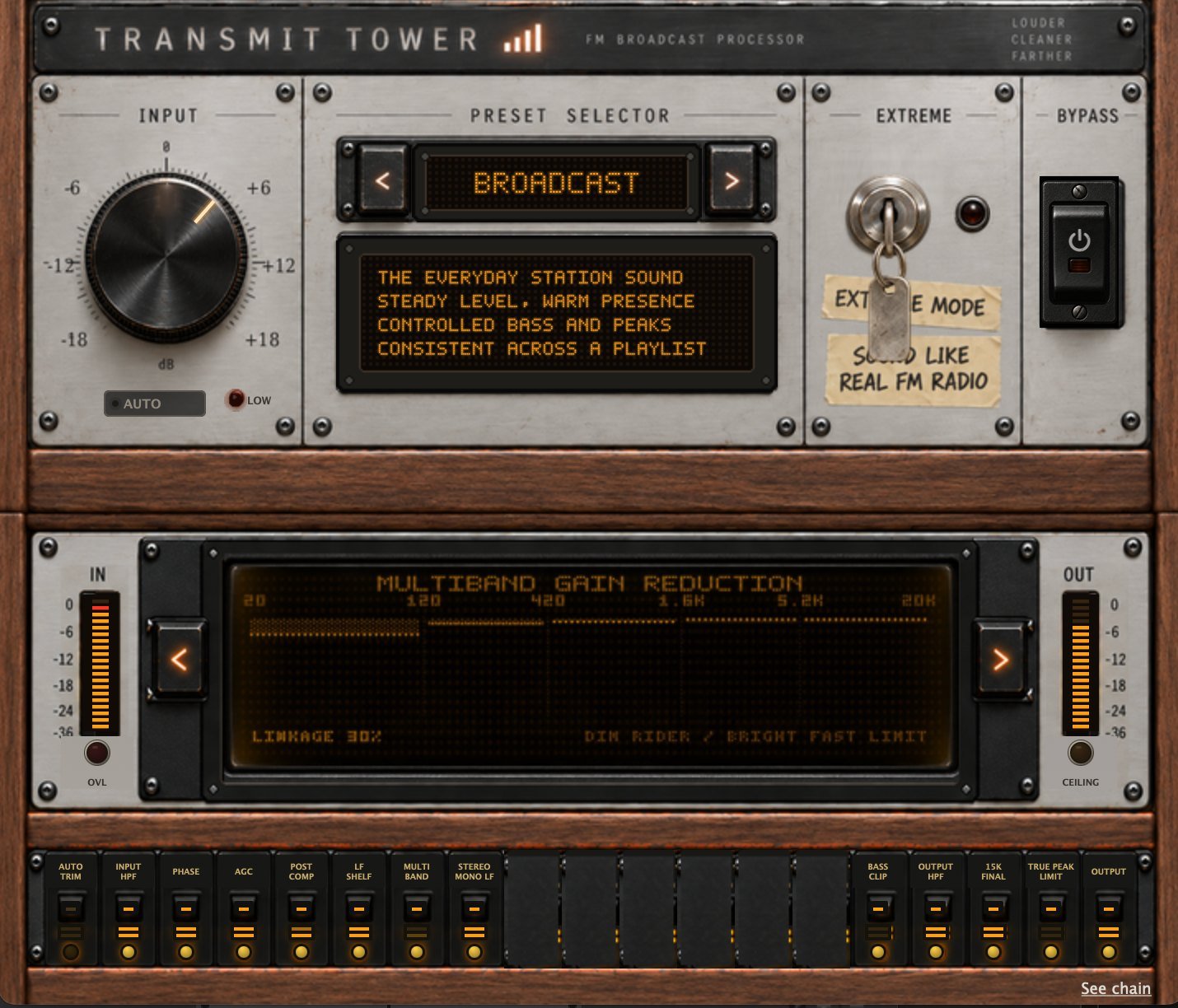
And there's one more, a different animal: TRANSMIT Tower. That one is the station itself — the processing chain a radio station puts between the studio and the transmitter, so that whatever goes out sounds like one station at one level. It's the hobby that turned into an obsession: I've run a web station for over a decade and spent most of that time chasing the FM sound. Tower is where that chase ended up, with a wiki next to it explaining how all of it works.
These tools won't fix a bad recording. Their only job is to take a good recording and make it sound like it belongs on a live station.
Hope you enjoy it. Go on air.

Omer Senesh