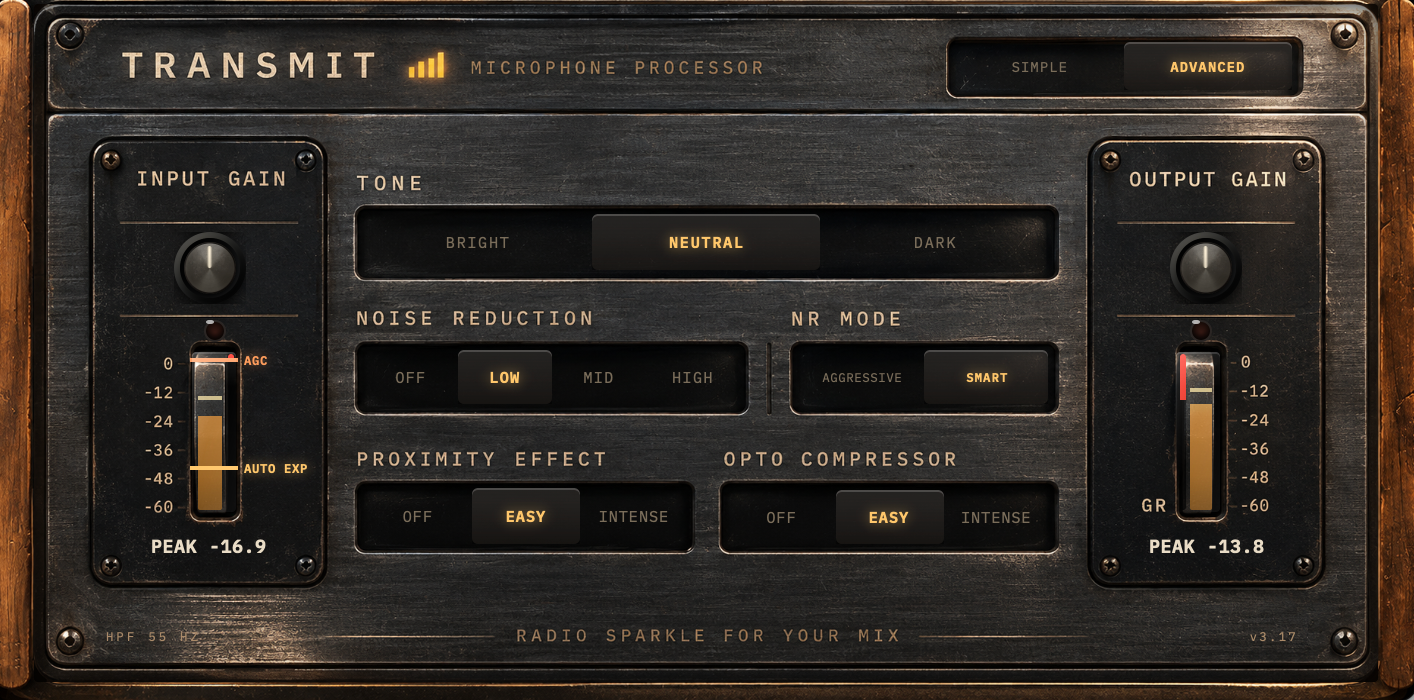
Two plugins. Drop one on each mic, one on the master track, and you're done.
TRANSMIT on the voice track, TRANSMIT Master on the master track. That's the whole setup, and they work best together, without any further tuning.
VST3, 64-bit · macOS · Windows · Any VST3-capable DAW · Free
Drop it on the mic. Set the intensity - that's it.
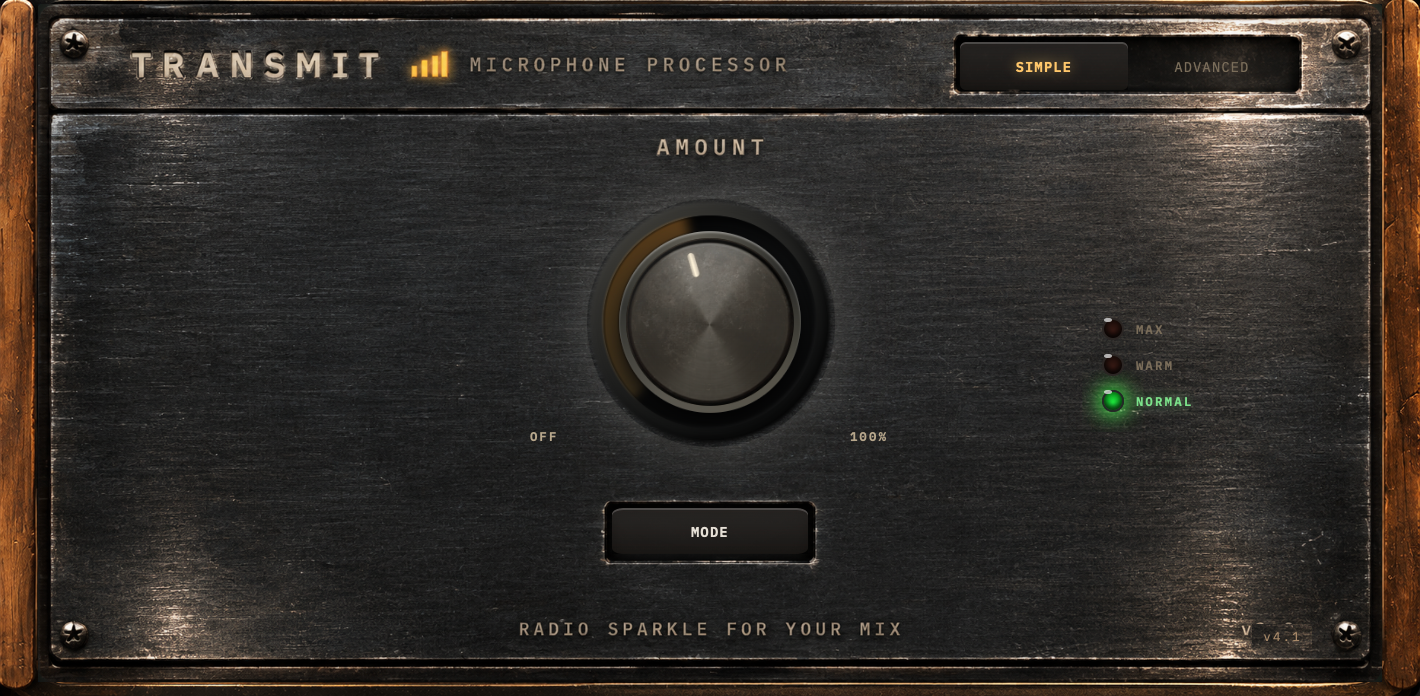
The one-knob broadcast chain. Open it, turn AMOUNT until it sounds right, done. ADVANCED mode is there if you get curious.
Free for personal and commercial use. No warranty or support provided.
No controls. Put it on your master track.
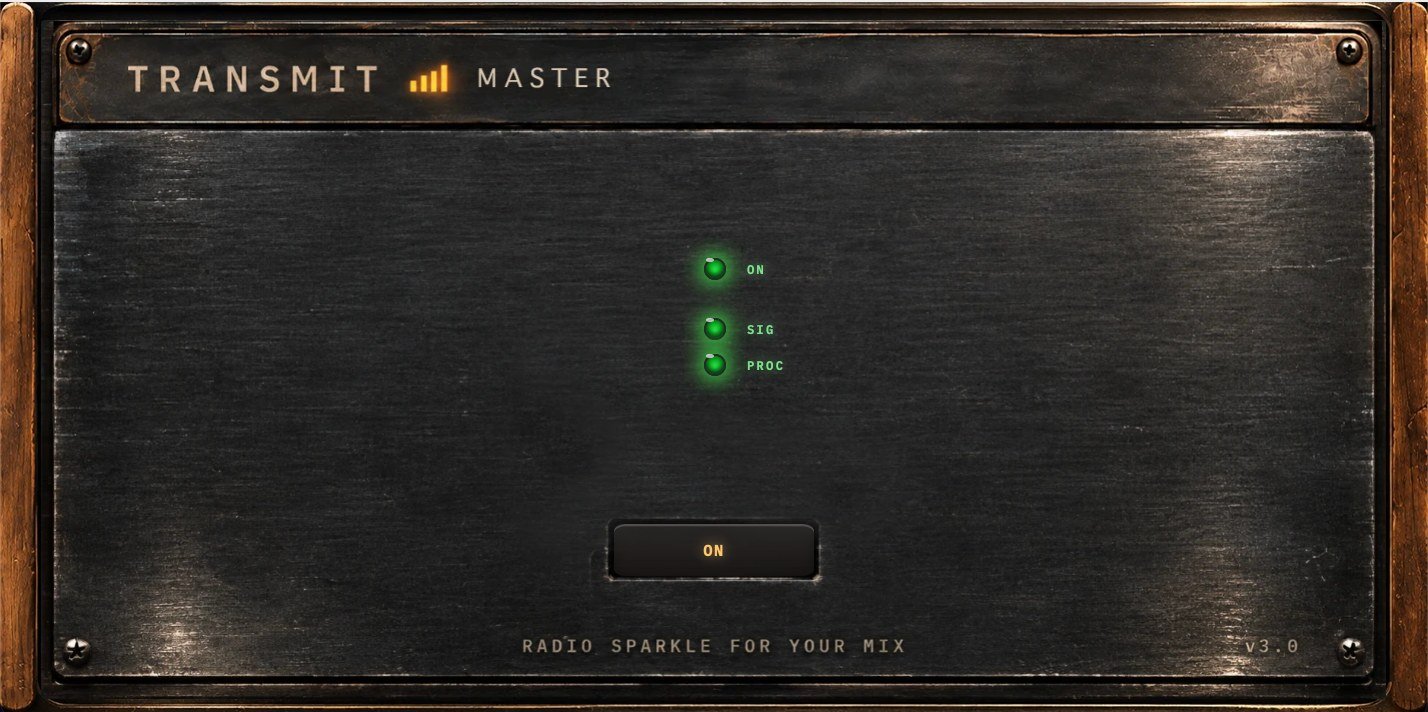
The very end of the chain. TRANSMIT Master takes its cue from the legendary broadcast mastering processors: one box, one FM or AM output, and wildly different material coming through it all day and night, news after music after a phone-in, and it all has to come out nice and steady, sounding like one station. TRANSMIT Master does that for your episode. It won't give you endgame broadcast sound out of the box, that still takes a seasoned engineer, but it takes you to pro level: loud, stable and clear. Just drop it on your master track, that's it.
There's nothing to set, so there's nothing to set wrong. It's smart enough to work on its own: it adapts to the material, ignores fast peaks, and doesn't pump or pull up the noise the way a conventional compressor does.
Download TRANSMIT MasterFree for personal and commercial use. No warranty or support provided.
Also free · Tower and Dynamics Two more advanced tools
Neither is a must. Tower is a different animal altogether; Dynamics is for the tweakers.
The sound of a radio station, without the transmitter.
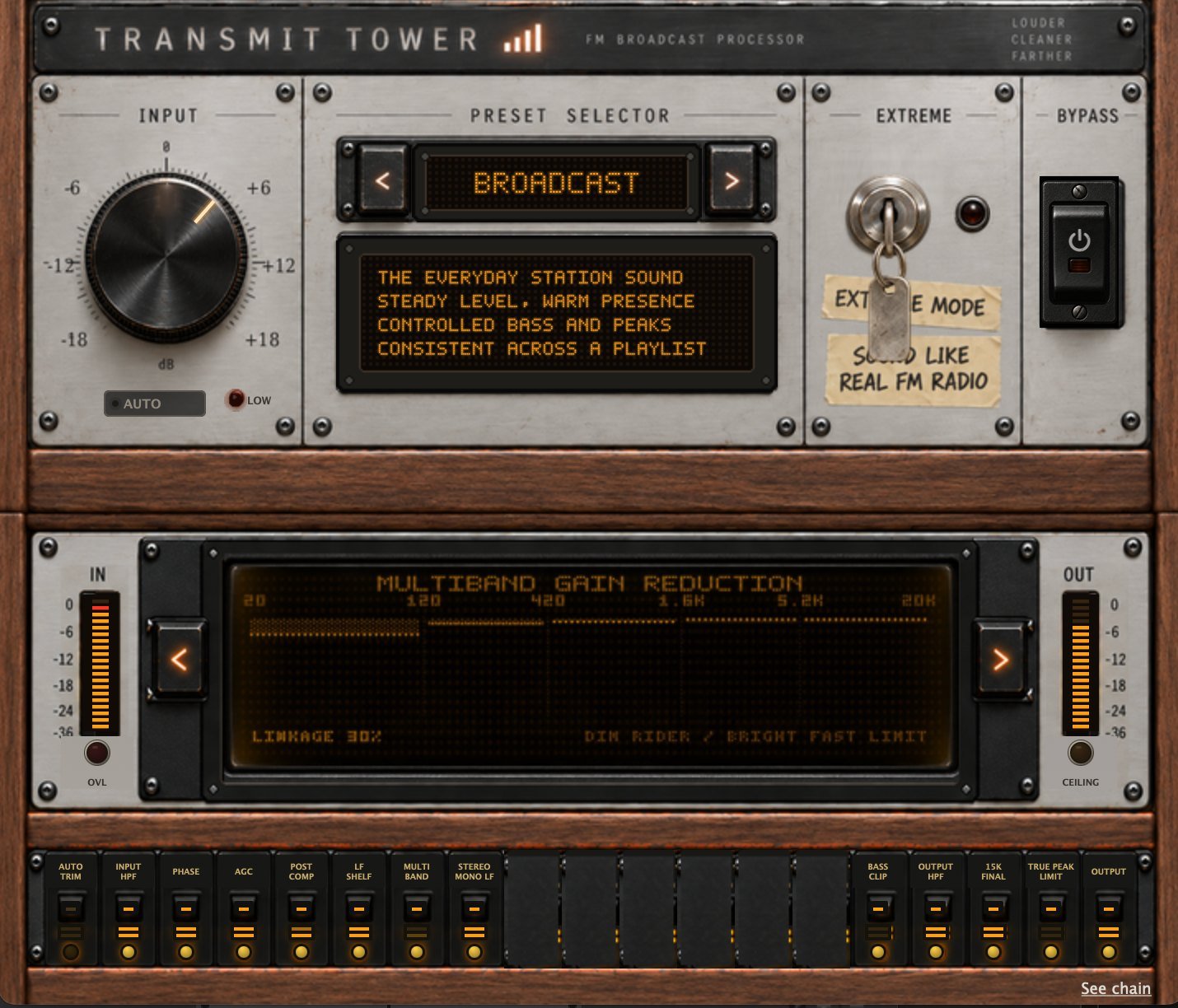
A different animal from the voice pack: the whole station chain, for the finished programme. Nine presets, one input knob, and level riding, five-band control, bass shaping, stereo work, clipping and final peak control underneath. Put it last and a mixed playlist comes out sounding like one station. EXTREME runs the FM signal path itself, for when you want it to sound like it came off the dial.
There's also a wiki with it: nine chapters on how broadcast processing actually works.
AU · VST3 · Standalone Mac app · Intel & Apple Silicon · Free
Download TRANSMIT Tower
Free for personal and commercial use. No warranty or support provided.
For the tweakers. Not a must, a bonus.
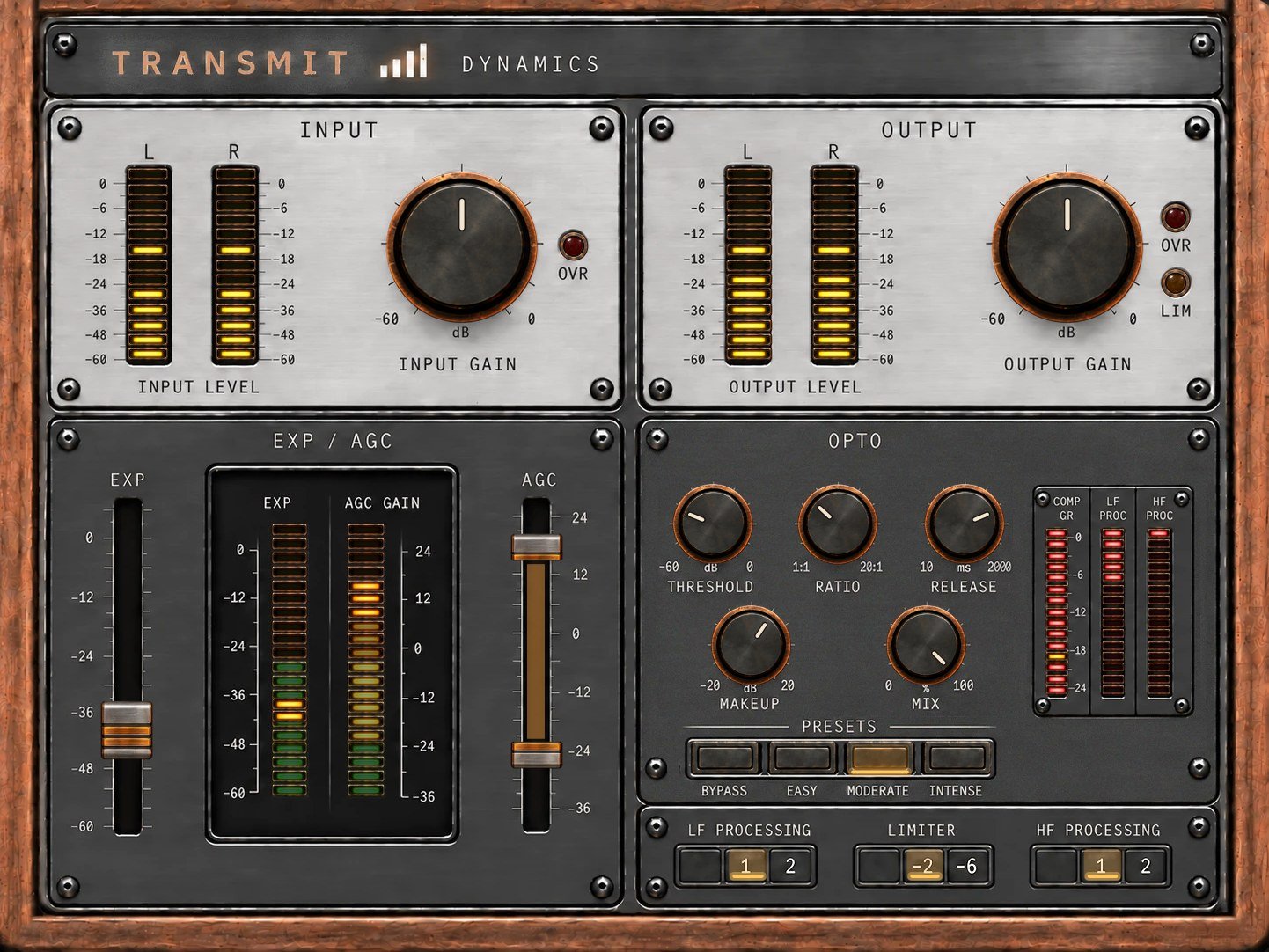
Most dynamics tools were built for music. This one is built for a person talking on air: an expander, an AGC, an opto compressor, and LF and HF processing tuned for that radio voice. Some of it comes from TRANSMIT's chain, some of it is new, and all of it is in your hands: threshold, ratio, release, makeup, mix. Presets from EASY to INTENSE if you'd rather start from somewhere.
You don't need it. The pack does the whole job on its own. Dynamics is for the day you catch yourself wanting to move a threshold.
VST3, 64-bit · macOS · Windows · Free
Download TRANSMIT DynamicsFree for personal and commercial use. No warranty or support provided.